Verify a received bag and report missing orders
At the final receiving agency, compare each listed order with the physical parcels, record missing items with a reason and complete the bag without losing unresolved discrepancies.
Overview
At the final receiving agency, compare each listed order with the physical parcels, record missing items with a reason and complete the bag without losing unresolved discrepancies.
Understand the bag journey
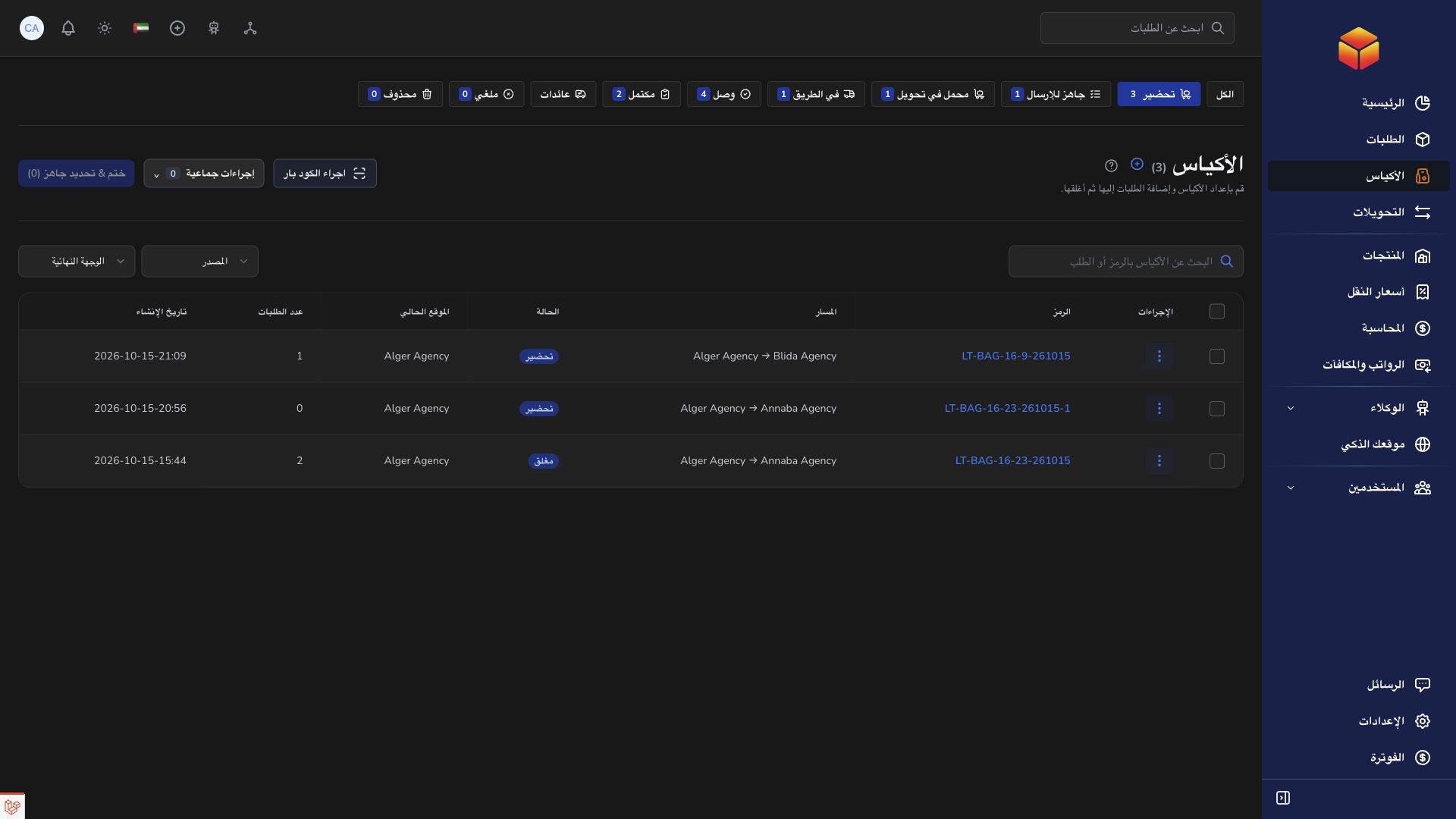
A bag groups parcels travelling together. Its origin agency and final destination agency identify the overall journey; its current location tells you which team should handle it now. A transfer carries the closed bag to the next stop, which may be an intermediate hub rather than its final agency.
The sending agency prepares the contents. A hub can also prepare bags at its own location and forward received closed bags. The final receiving agency checks individual parcels and completes the bag. Company operators coordinate the locations available to their account; transporters carry assigned transfers. Available actions still depend on your permissions and the bag’s location.
Preparing means the contents are being assembled. Ready to Send means the bag is closed and prepared for movement. Assigned to Transfer means a transfer has been chosen; On the Road means that transfer has departed. Arrived means the bag was received at the next stop. Completed means final handling was recorded. Receiving a bag at a hub does not complete its journey.
Steps
- First confirm receipt of the physical bag on its transfer. Open the bag’s details and check that its current location is the final receiving agency, not an intermediate hub.
- Compare the bag code with the label and review all listed parcels. Receiving a closed bag does not automatically verify the orders inside it.
- For each parcel physically found, use Verify or the verification scanner mode. You can select several orders and verify them together only after checking every selected parcel.
- If you verified the wrong item, return it to Pending using the offered verification control, then record the correct result. Do not leave an item verified merely because it appears in the manifest.
- For a listed parcel you cannot find, choose Missing and enter a meaningful reason. Describe what was checked and any damage, seal or label issue; the reason must contain at least five characters.
- Use Add note when extra handling context is needed. Choose a suggested issue and adjust the text, or write your own explanation. Keep useful references in the note.
- Check that no orders remain Pending. Every parcel must have a clear outcome: Verified or Missing. The Open action becomes available only when the required checks are complete.
- Review and confirm Open at the final agency. Verified parcels are released for their next work; missing parcels remain linked to the bag so the discrepancy can still be followed.
- If a missing parcel is later found, use Verify while receipt handling is still open, or Recover missing order on a completed bag. Confirm the physical parcel before resolving the discrepancy.
Missing is a finding, not a simple on/off switch
Marking a parcel Missing records an operational discrepancy. Clicking Missing again is not the recovery procedure. When the parcel is found, use Verify or Recover missing order as offered so the found parcel and its discrepancy are updated together.
Keep the bag and order references when contacting the sending team or support. Record only what you actually checked; never mark an absent parcel present just to complete the bag.
Notes and follow-up
Suggested notes cover issues such as damage, missing parcels, wrong contents, tampering, labels and parcels that cannot be located. Review the suggested wording before saving. Saving another note for the same order replaces your own previous note, so retain any information still needed.
A hub stop uses onward forwarding rather than final opening. If verification or Open is unavailable, check the bag’s location, final agency, pending items and your permissions before asking another team to complete it.
Good to know
A completed bag can still have an unresolved missing parcel. Follow the discrepancy until recovery or investigation is complete; do not treat the Completed label as proof that every parcel was found.
Application links
Application links require the appropriate account access. The destination is selected for your signed-in role.