Understand the company role
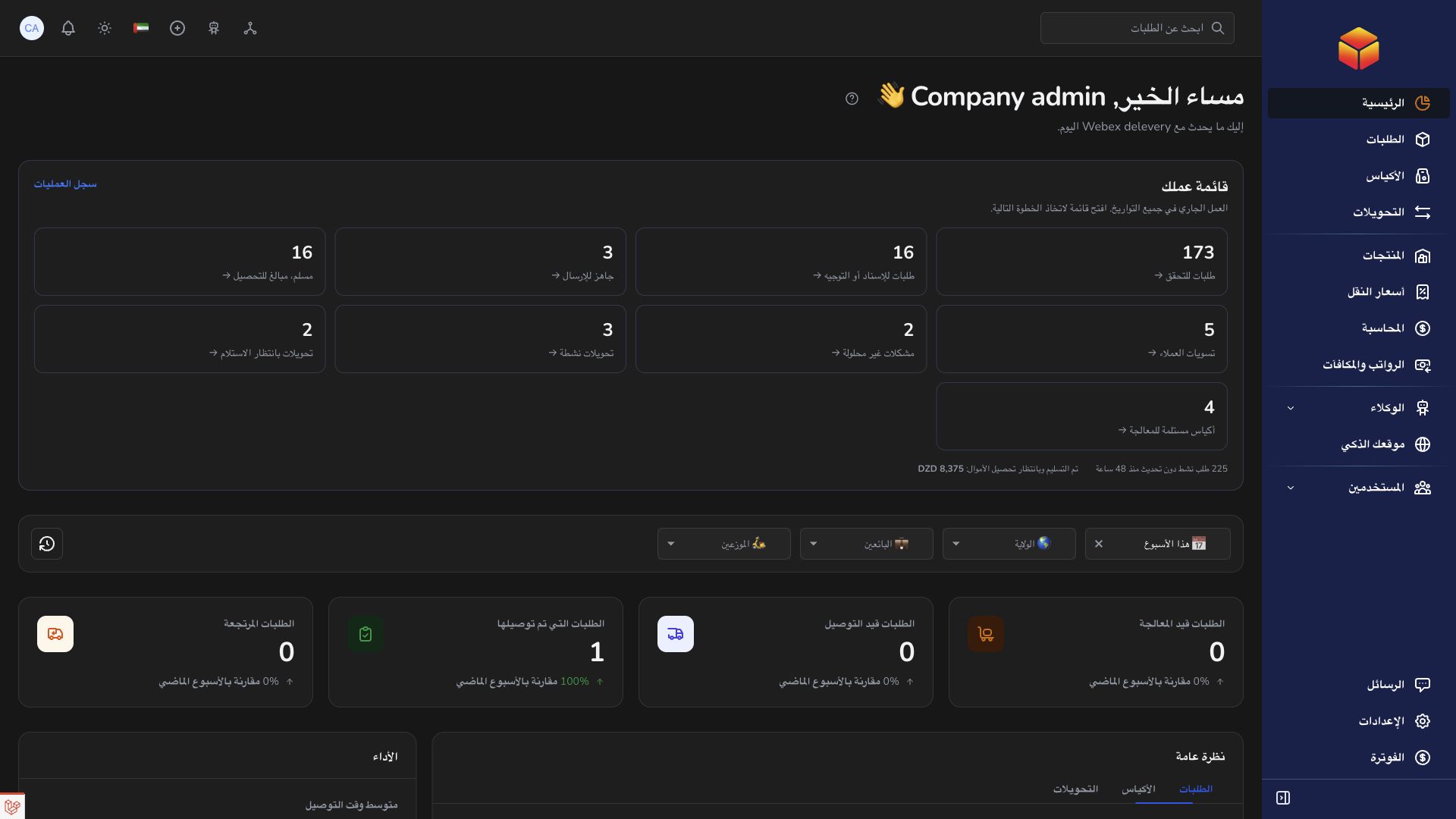
The company organizes the delivery network and coordinates vendors, agencies, hubs and transporters within its own business.
Overview
The company organizes the delivery network and coordinates vendors, agencies, hubs and transporters within its own business.
How the roles work together
The company is the business boundary. Vendors supply the merchant and order information. Agencies handle local operations; hubs handle logistics movements between locations. Transporters carry the work assigned to them. A person signs in as a user attached to the appropriate organization and role. Changing a user assignment therefore changes the records and controls relevant to their work.
An order describes one shipment. A bag groups eligible orders and preserves their final origin and destination agencies. A transfer describes one movement between a hub or agency and another location; several transfer legs can carry the same bag toward its final destination. Keep the order barcode, bag reference and transfer reference distinct when discussing an issue.
Before acting, verify the physical situation, the record reference, current status and your assigned location. After saving, check the updated record rather than assuming the operation succeeded. Use Messages for coordination, Support for a tracked request, and Accounting for financial evidence. Public guides explain the workflow but cannot expose another organization’s records.
Steps
- Start from the company dashboard to identify the work requiring attention. Company access covers its own organization, not every company using ColSuite.
- Maintain the business structure: vendor records represent merchants, agencies represent local operations, hubs represent logistics locations and transporters represent assigned operators.
- Assign users to the correct organization and role. A vendor user should work on its vendor’s records; a hub user should be attached to its hub.
- Use Orders to follow shipments and Bags and Transfers to inspect physical handoffs. Review exceptions with the responsible location rather than changing statuses without evidence.
- Review tariffs, accounting and subscription information through their separate pages. Confirm the financial record before interpreting an operational status as a settled payment.
- Coordinate through Messages and open one support ticket for an unresolved application problem, including the affected record references.
Good to know
A company role still has configured permissions. Seeing a module does not mean every action is available to every company user. Access should match the person’s responsibility.
Application links
Application links require the appropriate account access. The destination is selected for your signed-in role.