Read order history and maintain useful notes
Order history and notes preserve context for the next person working on a shipment. They should explain observations and decisions clearly.
Overview
Order history and notes preserve context for the next person working on a shipment. They should explain observations and decisions clearly.
Information, statuses and handoffs
The vendor supplies the merchant context and recipient information, while the company and its assigned operational teams process the shipment. Check the customer phone, address, product quantities and amounts before sending an order into operations. A correctly entered address does not replace the organizational and route assignment shown on the shipment.
Order views include validation, transit, hub handling, roadmap or pickup work, delivery, completion and return stages. Suspended, canceled and deleted views identify different exceptions. The status history matters: two orders with similar customer information may be separate shipments at different stages. Use the barcode as the primary reference when contacting another team or asking the assistant for an exact page.
In forward bag preparation, only orders in transit or in hub are eligible. Return bags accept the supported in-hub and return stages. The order must belong to the bag’s company, match any assigned destination agency, have no current bag and be held at the bag’s preparation location. If a parcel fails these checks, inspect its current assignment instead of changing unrelated information to force it into a bag.
Steps
- Open the order details and verify its barcode, current status and customer information before reviewing the history.
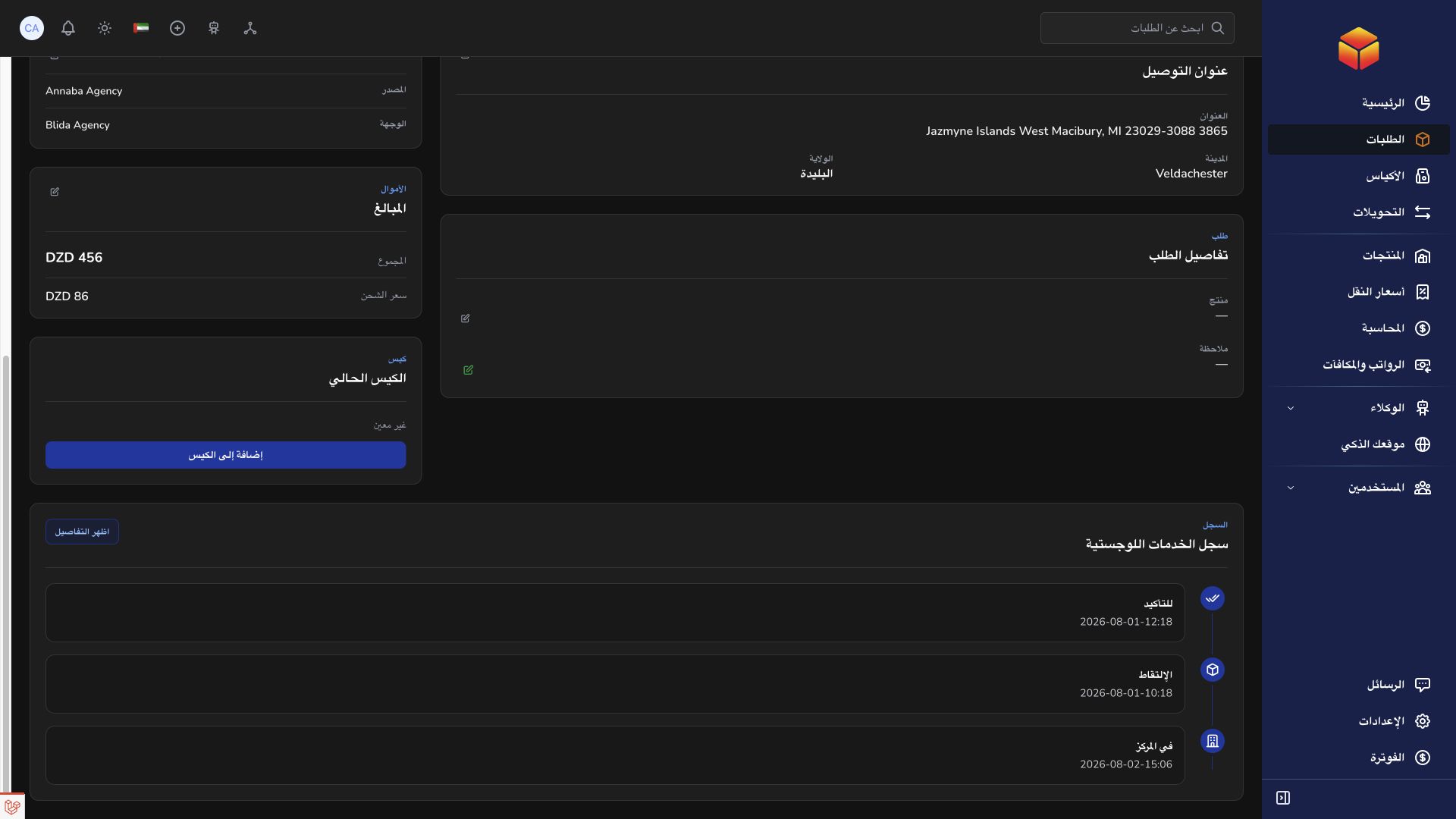
- Read recent notes and events to understand previous contacts, assignments and logistics movements. Distinguish a recorded observation from an actual status transition.
- Use Add note when permitted. Describe the relevant event, result and next step; include only information needed by the people handling the order.
- Check the saved note and its author. The available edit and delete operations apply to your own notes, subject to access checks; do not overwrite someone else’s account of an incident.
- Use the order conversation for ongoing discussion and a support ticket for an issue needing tracked investigation. Keep the barcode in the conversation so the written context remains attached to the correct shipment.
Good to know
A transporter’s added note can increment the attempt counter. Do not add repeated test notes just to check the interface. Removing your latest matching attempt note can adjust that counter; inspect the record before changing historical information.
Application links
Application links require the appropriate account access. The destination is selected for your signed-in role.