Understand the vendor role
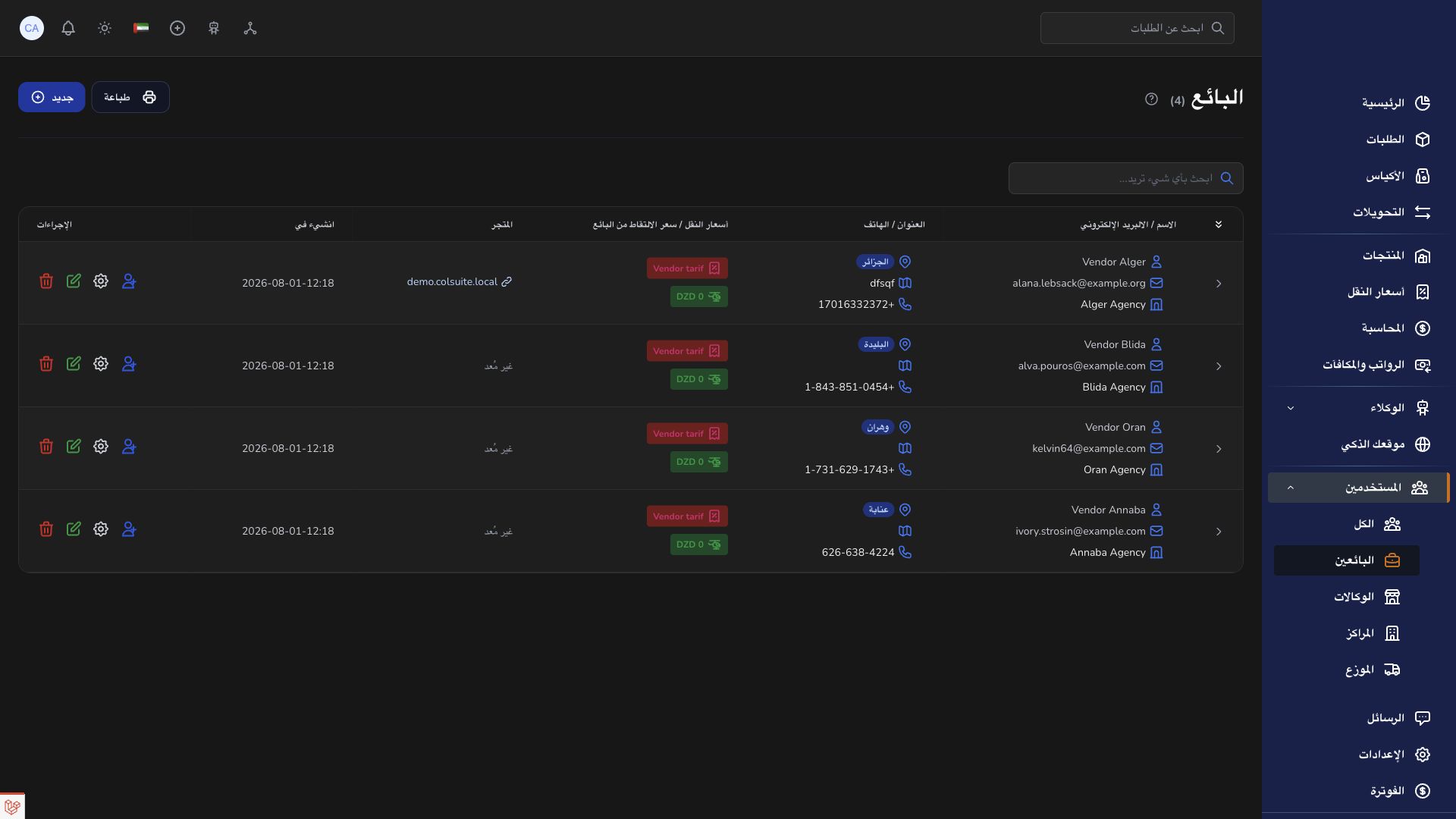
A vendor is the merchant whose products and orders are handled by a company.
Overview
A vendor is the merchant whose products and orders are handled by a company.
How the roles work together
The company is the business boundary. Vendors supply the merchant and order information. Agencies handle local operations; hubs handle logistics movements between locations. Transporters carry the work assigned to them. A person signs in as a user attached to the appropriate organization and role. Changing a user assignment therefore changes the records and controls relevant to their work.
An order describes one shipment. A bag groups eligible orders and preserves their final origin and destination agencies. A transfer describes one movement between a hub or agency and another location; several transfer legs can carry the same bag toward its final destination. Keep the order barcode, bag reference and transfer reference distinct when discussing an issue.
Before acting, verify the physical situation, the record reference, current status and your assigned location. After saving, check the updated record rather than assuming the operation succeeded. Use Messages for coordination, Support for a tracked request, and Accounting for financial evidence. Public guides explain the workflow but cannot expose another organization’s records.
Steps
- Open the vendor dashboard and verify the business shown in Settings. Your vendor workspace is linked to the delivery company managing your shipments.
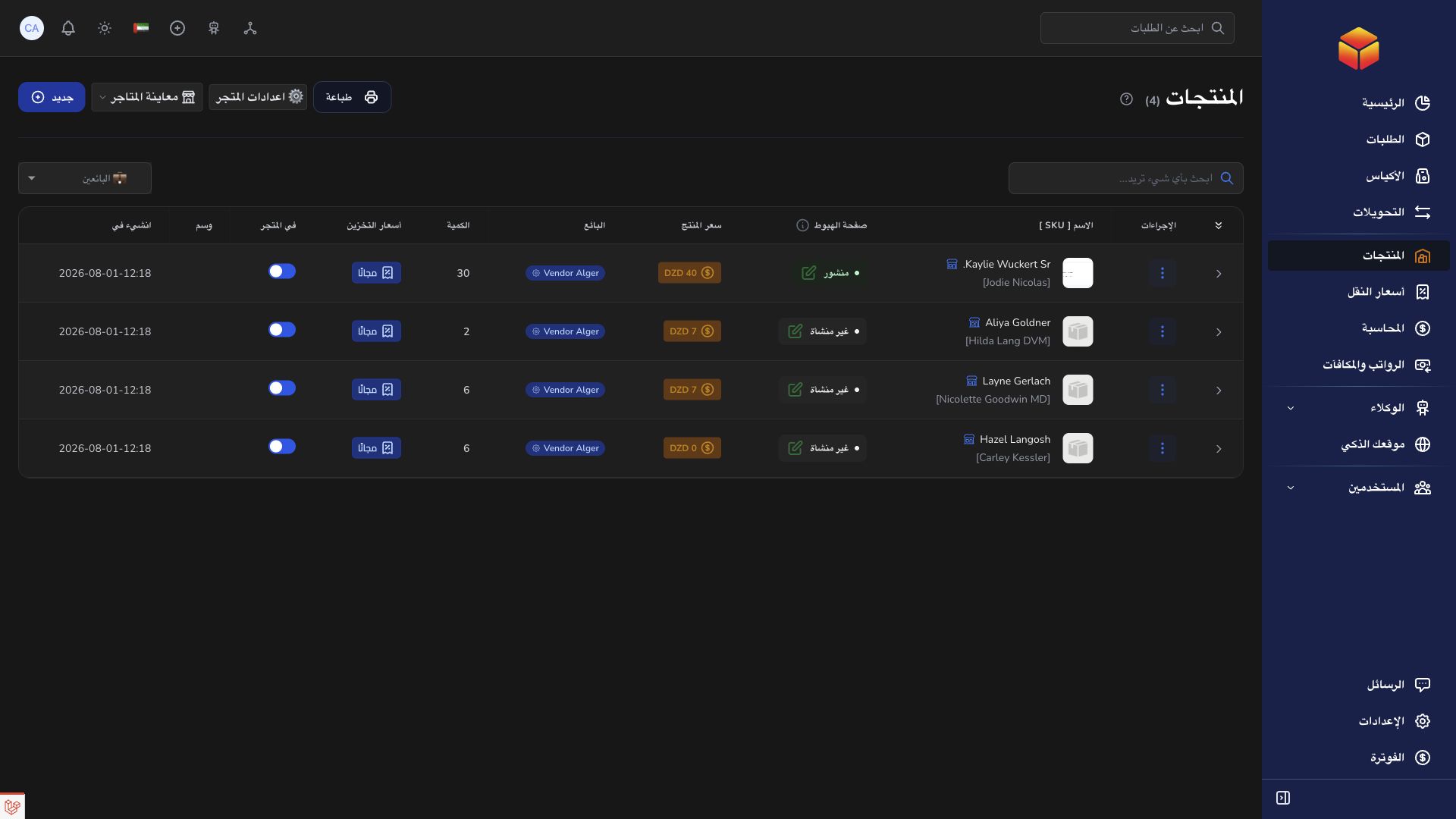
- Maintain the products, pictures and stock options available to your account. Store settings control the customer-facing store when that feature is enabled.
- Create orders with accurate recipient, address, product and amount information. Keep the barcode so you can follow each shipment.
- Follow the order status and history. The agency, hub and transporter perform physical logistics actions according to their own assignments; the vendor should use its available controls.
- Review the vendor Accounting page for financial information. A delivered order and a settled balance are different records.
- Use an order conversation or support ticket to report a discrepancy. Supply the barcode and expected result instead of creating a duplicate shipment.
Good to know
A vendor record is not a user account: several authorized people can be assigned to the same vendor. Your account does not gain access to other vendors simply by knowing their order references.
Application links
Application links require the appropriate account access. The destination is selected for your signed-in role.